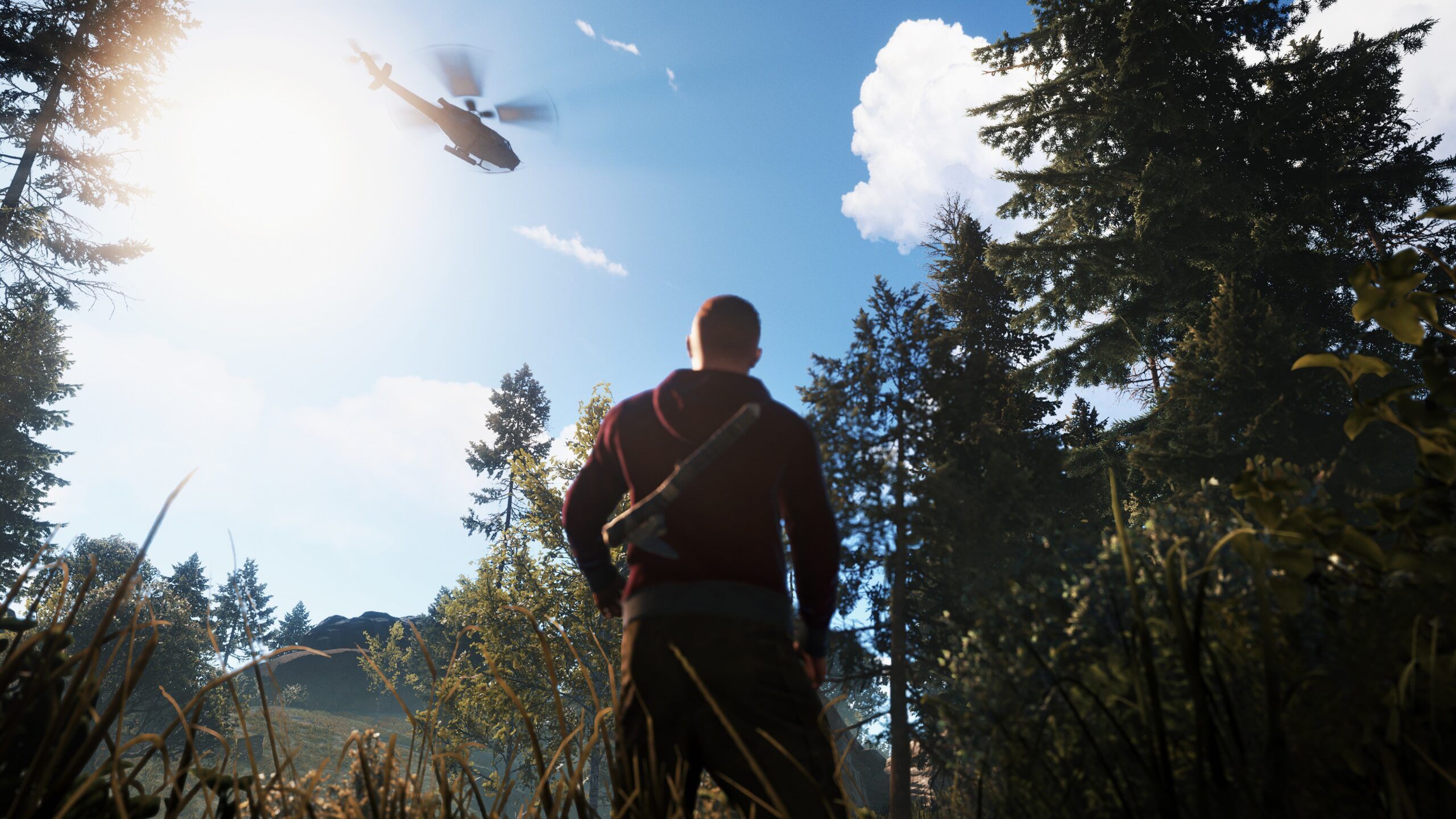
•Sunken Cargo Event: A new dynamic offshore event has come to the island. When triggered, a global chat message pops up announcing that a Cargo Ship has been sunk by a submarine. The ship spawns at user-specified coordinates and sinks into the ocean with smoke effects. Once the smoke disappears, players will see a submarine remaining in the water. Players must grab their diving gear to retrieve hacked lockable crates and loose components (such as laptops and scrap) spread across the seabed.
•Air Defense Integrations: Added support to deploy active SAM sites specifically during the Docked Cargo event to defend the harbor area (currently in testing).
•Monument Configurations: Added support for configuring the new RadTown monument inside PvE rules using the /zorp server command.
•Request a Ride Updates: Massive vehicle expansion! In addition to horses, motorcycles, RHIBs, and minicopters, admins now have configuration controls over an array of new transport options: 2-Module Cars (Premade), 3-Module Cars (Premade), 4-Module Cars (Premade), Attack Helicopters, Hot Air Balloons, Kayaks, Motorbikes (with Sidecar), Pedal Bikes, Pedal Trikes, Rowboats, Scrap Transport Helicopters, Solo Submarines, and Duo Submarines. Full administrative control is available for low-grade fuel amounts, initial pumpkin item counts, car part spawning rules, and role-based vehicle access.
•Direct Feedback Portal: Community feedback and detailed bug reports can now be submitted directly from the status dashboard, supporting attachments up to 50MB.
•Emote Recycler Spawner: Players can now use the "Repair this" emote to spawn a static monument recycler at their exact coordinates. This feature defaults to disabled, enforces a strict limit of 1 recycler per player, requires the player to be inside their own ZORP base zone, and supports optional Discord role permission checks.
Fixed
•Discord OAuth Login Duplication: Resolved an issue that blocked logins if a user profile was missing its Discord ID.
•Leaderboards: Resolved bugs causing duplicate posts on leaderboards, missing data fields, and battlepass hours-played tracking errors.
•Battlepass Resets: Fixed an issue preventing automated battlepass resets from working.
•Shop Deliveries: Fixed a delivery issue where bought items did not arrive in-game, and restored the missing M249 to the shop list.
•Emote Spawning & Coordinates: Corrected horse spawn vertical offsets to prevent mounts from appearing in the air, and fixed coordinate retrieval issues on custom command groups (such as spawning Elite Crates).
•Cargo & Zone Behavior: Fixed Cargo ships disappearing instantly at docks instead of sailing away, and resolved unstable map zone color cycles.
•Chat & Announcements: Removed surrounding double quotes from /say messages, fixed broadcast truncation errors, and prevented disabled notes from broadcasting.
•Schedules & Portals: Resolved scheduled console command parsing errors, and fixed a bug preventing portal deletion.
Improvements
•Domain Migration: Successfully transitioned the entire network routing, authentication, and status page to mr-bandit.com.
•WebAuthn Security: Updated parameters to prevent errors during passkey sign-in on the new domain.
•In-Game Message Styling: Cleaned up in-game announcements by removing unnecessary labels and footers.
•Guild-Specific Server Filters: Improved server selectors to show only the active servers linked to your active community guild.
Removed
None in this release.
Best Practices
•Coordinate Event Settings: Ensure your target coordinates for the Sunken Cargo event point to deep ocean areas so players have adequate diving room to harvest the seabed loot.
•Manage Vehicle Access: With the massive influx of new vehicles like the Attack Helicopter and Submarines, use the role-based configuration options to balance vehicle availability for your player base.
•Test PvE Zones: Verify your RadTown parameters after setting up the /zorp command to ensure radiation and rules apply correctly across the monument.
System Diagnostics
Node Diagnostics
Global User Database
Manage passkeys and linked servers across all shards
1:M 03 May 2026 18:00:00.001 * Ready to accept connections1:M 03 May 2026 18:05:00.000 * 10000 changes in 60 seconds. Saving...1:M 03 May 2026 18:05:00.050 * Background saving started by pid 123123:C 03 May 2026 18:05:01.000 * DB saved on disk1:M 03 May 2026 18:05:01.100 * Background saving terminated with success1:M 03 May 2026 18:15:22.000 # WARNING: Memory overcommit must be enabled!1:M 03 May 2026 18:20:00.000 * 10000 changes in 60 seconds. Saving...1:M 03 May 2026 18:20:00.045 * Background saving started by pid 124124:C 03 May 2026 18:20:01.012 * DB saved on disk1:M 03 May 2026 18:20:01.090 * Background saving terminated with success
Report Bug / Request Feature
Found an issue with Mr. Bandit or have a feature request? Let us know!
Collaboration Thread0 Comments
Sign in to join the conversation
CobaltOS Security
Passkey Verification Required
Waiting for your security key or biometric authentication...
Secure Your Account
Passkey Setup Required
Welcome to Mr. Bandit! To protect your server configuration, you must set up a passkey (FaceID, Fingerprint, or PIN) for your first login.
User Profile & Security
Manage your CobaltOS Identity
CobaltOS Passkeys
Passkeys provide phishing-resistant security. Once registered, your device will be required as a mandatory second step for all logins on this domain.
Your Linked Servers
GP
GPORTAL Auto-Reconnect
Target Server
Sign in with your GPORTAL Account. Mr. Bandit will search your account for this server name and automatically fetch its latest IP, WebRCON port, and password.
Authenticating with GPORTAL...
Edit Server
Modify RCON Connection Settings
Leave empty to keep existing password
Disconnect Server
Remove server from Bandit Dashboard
Choose how you want to disconnect this server. You can temporarily archive it (soft disconnect) or completely delete all settings and logs (hard disconnect).
Publish Server
Make your community page public
Public ListingDisplay on the global server list
Status Page EnabledAllow visitors to view metrics
Server Console
Live interactive WebRCON command session
Status Badge
Embed live server status badges
Live Preview
Authority & Moderation Panel
Manage Server Player Authority Tiers & Bans
Kits Manager
Manage Server Kits and Items
Server Kits
Select a Kit to Preview or Create a New One
Kit Name
Allowed Groups: None
Allowed Discord Roles: None
👕 Gear / Wear
🎒 Main Inventory
🪓 Belt
Allowed Groups:
Allowed Discord Roles (Emote/Bot Claims):
👕 Gear (6 Slots)
🎒 Main (24 Slots)
🪓 Belt (6 Slots)
Add Item
Target Container & Slot:Select slot on left to assign
Add Custom Emote Action
Loading roles...
Active Emote Actions
Copy Kits to Another Server
Source Server:
Developer God Mode: Import Kits JSON
Upload file or paste JSON payload
Backup Kit(s) to Server Storage
Saves kit definitions directly to server database
Restore Kit(s) from Server Storage
Select a saved cloud backup to deploy onto this server
Sign in to join the conversation